01
Start hereA practical guide to bringing your mosque into one system.
Understand what Masjid OS connects, who it serves, and how a mosque can adopt it without disrupting the work already happening.
Read the guide

Practical, plain-language guides for imams, board members, administrators, and volunteers evaluating a more connected way to run their mosque.
You do not need to understand every module at once. Each guide connects a familiar mosque challenge to the workflow designed to address it.
Understand what Masjid OS connects, who it serves, and how a mosque can adopt it without disrupting the work already happening.
Read the guideGive visitors a welcoming place to find prayer times, events, programs, donations, and contact information without waiting on a developer.
Read the guideReplace scattered lists with a protected, useful understanding of members, families, students, volunteers, and participation.
Read the guideSupport Quran classes, weekend school, youth programs, sisters programs, Arabic learning, and halaqas without creating administrative burden for teachers.
Read the guideCoordinate youth nights, community dinners, workshops, sisters programs, competitions, fundraising events, and internal gatherings.
Read the guideBring prayer schedules, programs, events, rooms, and staff responsibilities into one useful daily picture.
Read the guideSee how Masjid OS keeps daily administration focused while giving the public mosque website its own identity.
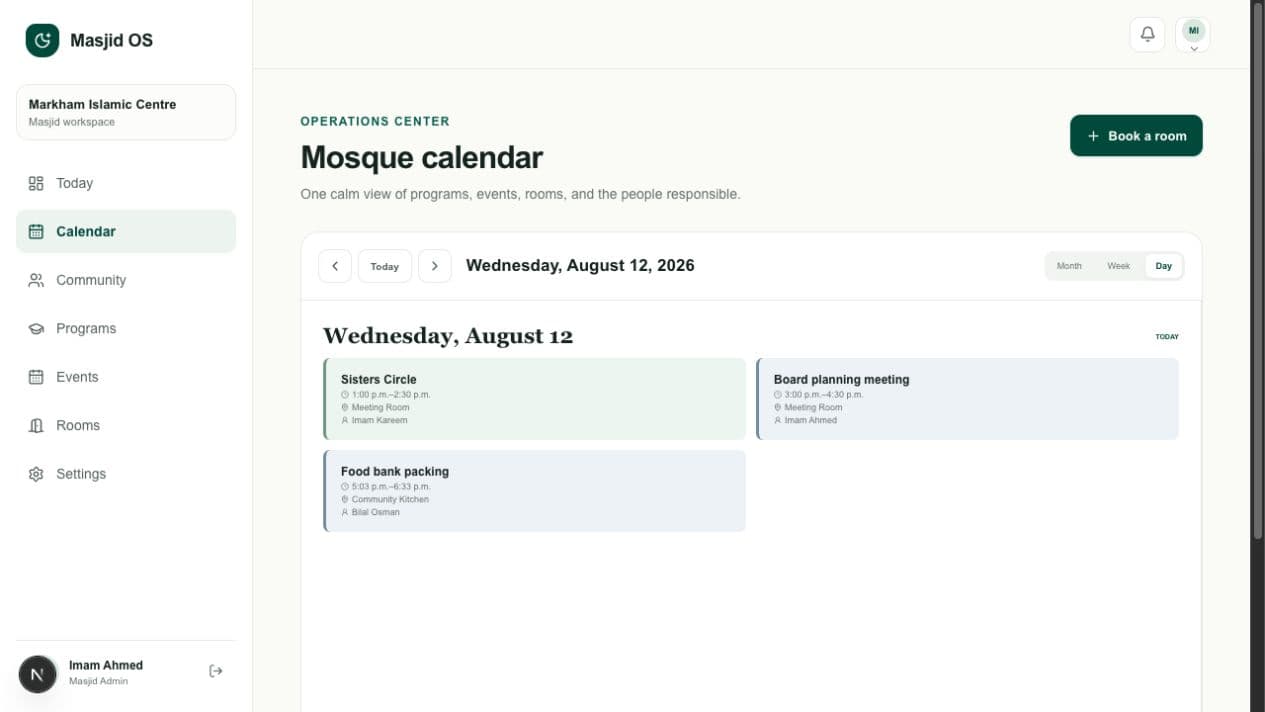
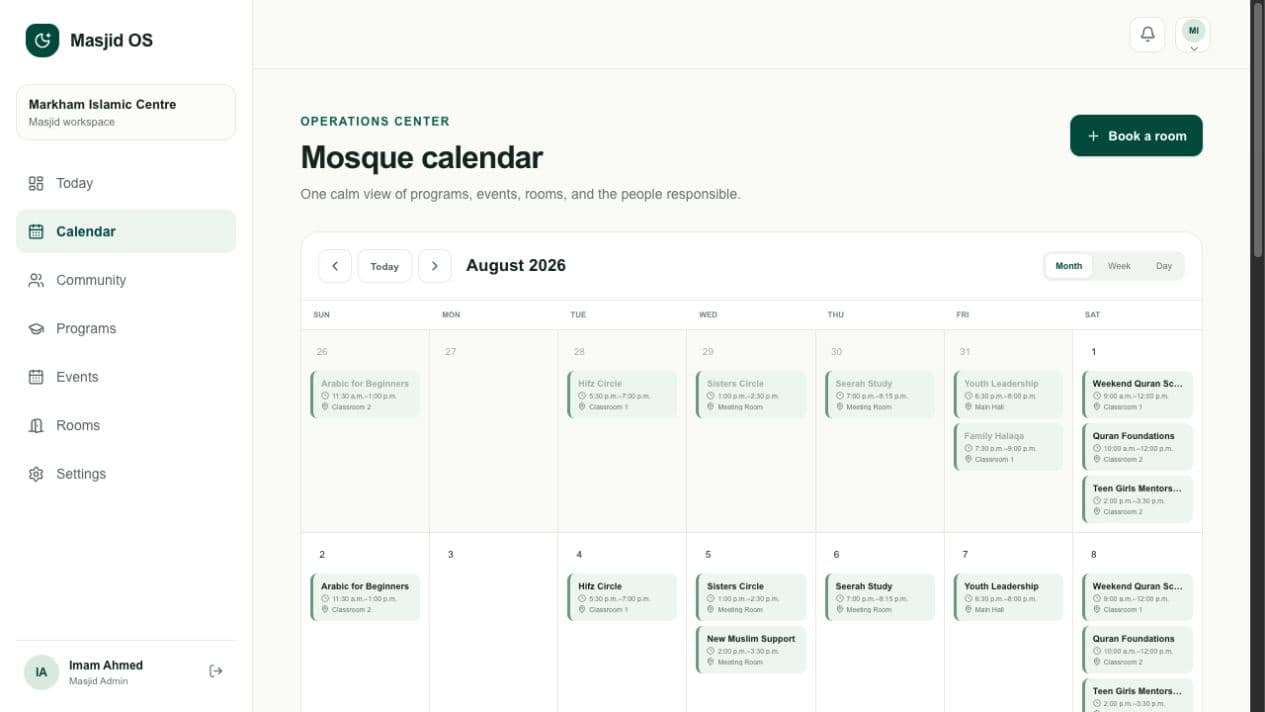
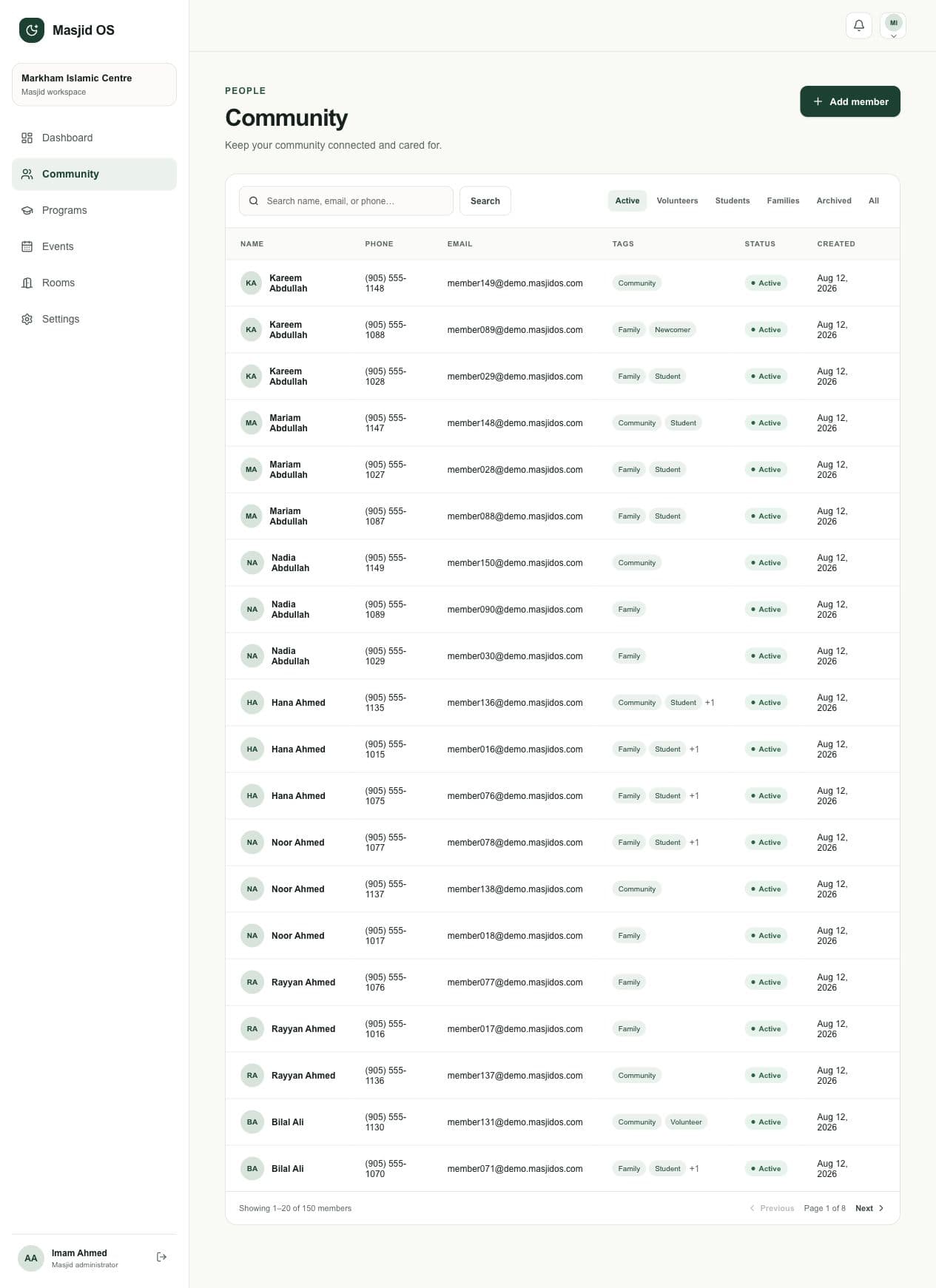
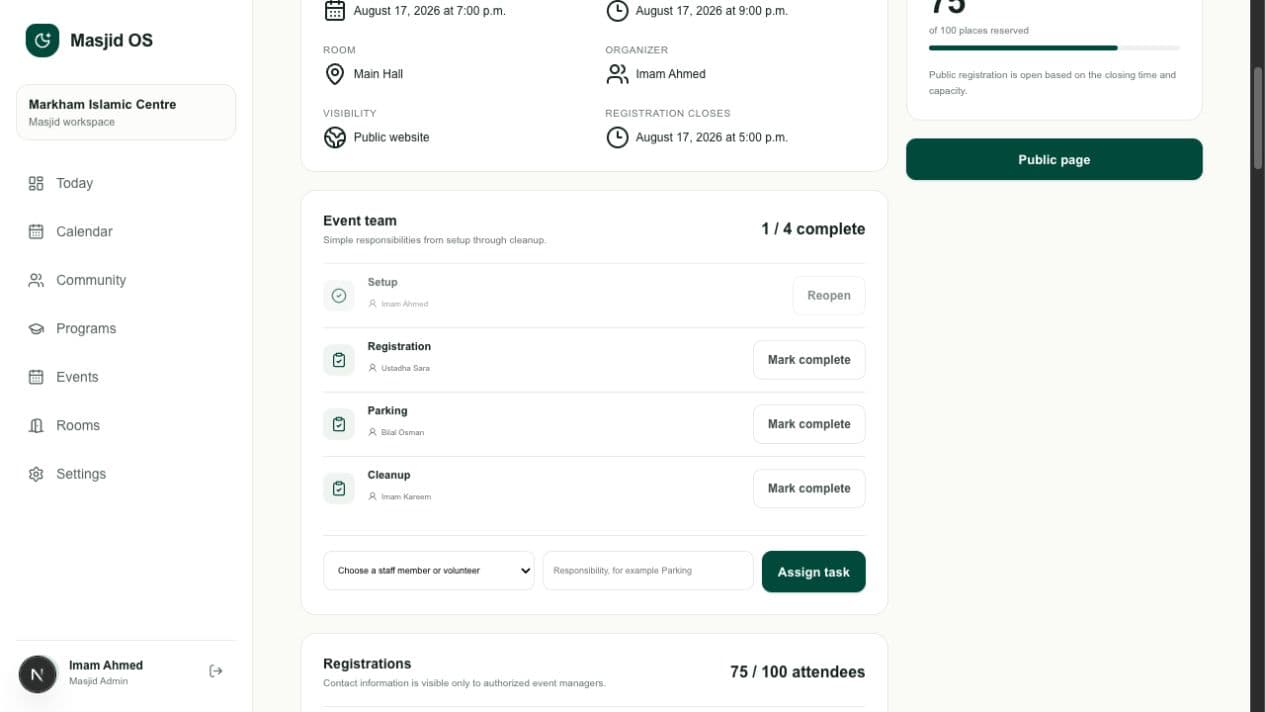
Masjid OS should be understandable before you request a demo. These are the practical questions we hear from boards, imams, and administrators.
No. Masjid OS uses plain labels, guided forms, previews, and focused role-based screens. It is designed for mosque leaders and volunteers, not software specialists.
Yes. The public website architecture is prepared for mosque subdomains and custom domains, so your community can continue using an address that belongs to your mosque.
Yes. Each staff member has their own access, and permissions can reflect administrators, imams, teachers, and volunteers without sharing one password.
Yes. A smaller mosque can begin with the website and essential administration, then adopt additional workflows when they are useful. The product is not priced or designed around forcing unnecessary complexity.
A supporter or organization can help cover access for a mosque with limited budget. The mosque retains control of its information and identity; sponsorship does not create advertising access or ownership of community data.
We’ll focus on the workflows your mosque is evaluating, using plain language and a realistic product environment.